Output
One of the most important nodes in a tree
Output nodes are the final node in any NodeScapes node tree. While Blender allows you to add more than one output it is not recommend to do so. There currently is no user-friendly system in place for NodeScapes to know which output you’d like to use.
Set Geometry Attribute
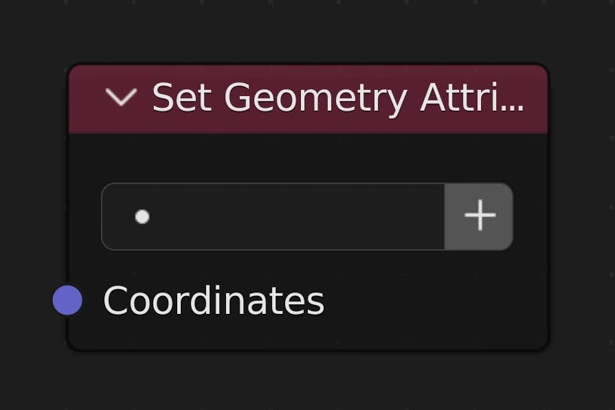
Set the given vertex attribute with the inputed value(s)
Attribute
A vertex attribute picker that allows you to choose from existing attributes.
Create New Attribute Layer
Create a new attribute layer and set it as the active layer on the node
Image Output
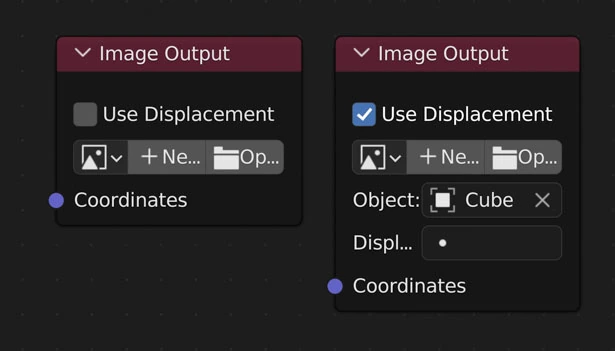
Output an image or height map.
Note
Faster than Mesh Output
Use Displacement
Along with creating an image, assign the image to a Displacement Modifier and let it displace the mesh
Image
Choose/create an image to export to
Object
Only if Use Displacement is enabled
The object the modifier to displace is on
Displacement Modifier
Only if Use Displacement is enabled
The Displacement Modifier
Mesh Output
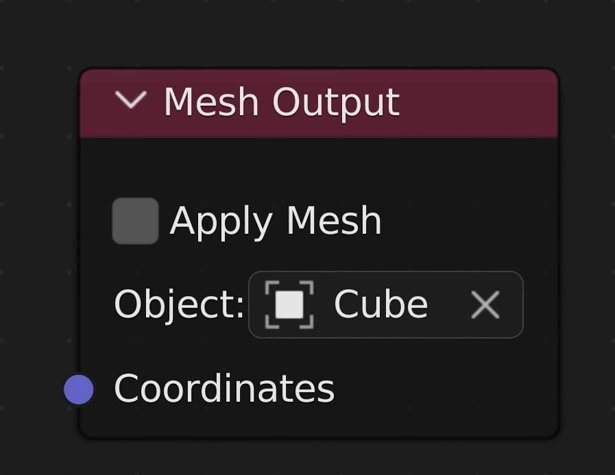
When NodeScapes executes the node tree it will start with this node and travel backward through the nodes so it only executes nodes that are connected
Apply Mesh
When off all NodeScapes changes are stored in an attribute and displaced through a Geometry Nodes Modifier. This allows other modifiers to be placed before the NodeScape changes
When on all NodeScapes changes are stored directly to the mesh and can be seen in Edit Mode
Object
The object currently being affected by the nodes. Disappears when the object is deleted
Set Vertex Colour
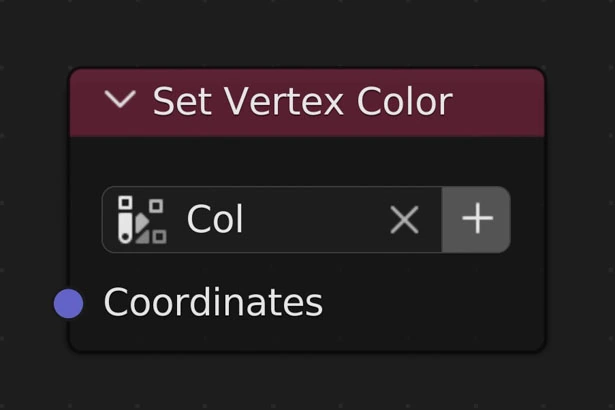
Set the given Vertex Color layer with the inputed value(s) (black and white colors only)
Warning
Blender only allows 8 vertex layers per object
Layer
A vertex color layer picker that allows you to choose from existing vertex color layers.
Clicking the button will add a new vertex color layer and set it as active
Coordinates
Takes the 'Z' axis of the coordinates and creates a black and white map of it. Min=0.0, Max=1.0
Set Vertex Weight
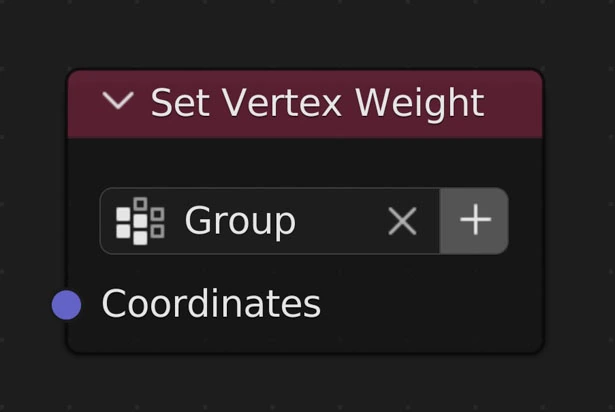
Set the given vertex weight layer with the inputed value(s)
Create New
When on the node will switch to give you a text box to type in a new vertex weight layer to set
Layer
A vertex weight layer picker that allows you to choose from existing vertex weight layers.
Coordinates
Takes the Z values from the coordinates to set the weight to for each vertex